The future of IT runs on Intelligence
Kaseya Intelligence powers a unified platform that transforms how MSPs and businesses operate, secure, and grow.

2026 Kaseya State of the MSP Report
Get 2026 MSP insights from 1,000 plus providers and learn how to grow revenue, adapt to market pressure, and stay competitive.
Download now
IT trends and priorities report
We surveyed nearly 700 IT professionals on hot topics like security, AI, budgets and burnout. Read our report to learn what's shaping IT decisions today.
Download nowKaseya Solutions
Powering IT professionals with faster, smarter capabilities
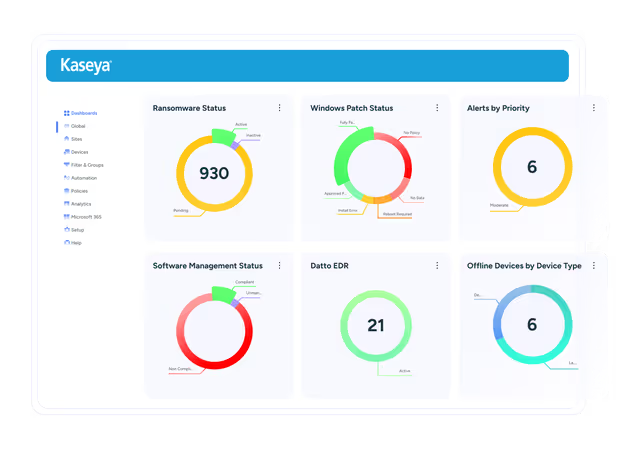
Remotely manage every device with precision
Control your IT environment from anywhere with intuitive endpoint management to help you standardize, automate and see around corners.
- Monitor, patch and secure endpoints from a single, unified platform.
- Reduce technician workload with intelligent automation and policy-driven workflows.
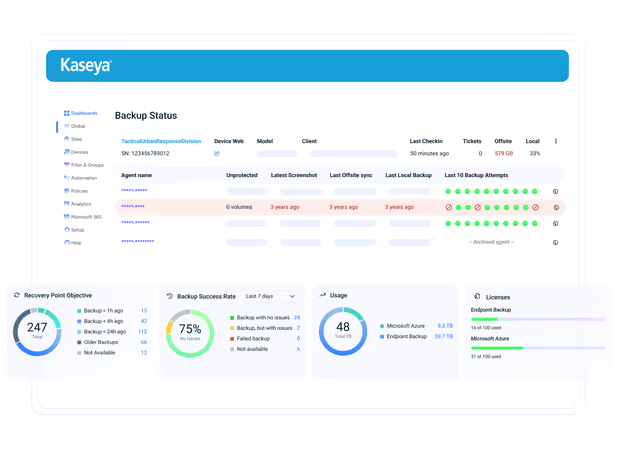
Be recovery ready with future-proof backup
Protect critical data wherever it lives with backup and recovery built to strengthen cyber resilience and reduce operational risk.
- Eliminate time-consuming backup tests with automated protection and recovery workflows.
- Strengthen resilience with secure, immutable cloud storage.
Achieve complete cybersecurity with defense in depth
Defend your organization with layered security across users, endpoints, networks and cloud environments — without adding complexity.
- Protect against ransomware, phishing, account takeover and emerging threats.
- Detect anomalies earlier and respond faster with intelligent alerting and automation.
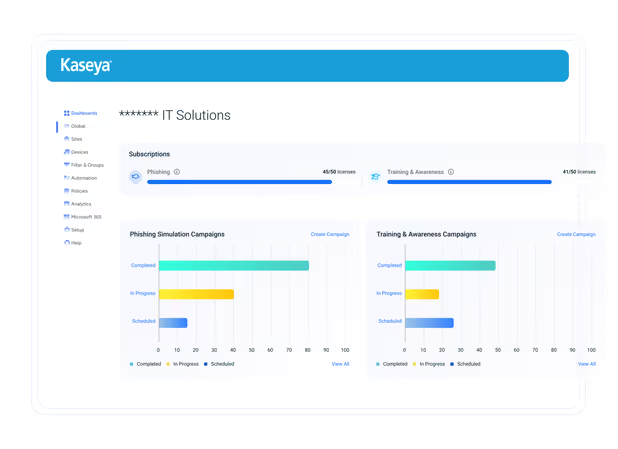
Automate compliance, continuously monitor and mitigate risk
Stay audit-ready with continuous monitoring, real-time visibility and automated workflows that make compliance easier to manage.
- Reduce the manual effort tied to audits, assessments and evidence collection.
- Respond faster to internal stakeholders, auditors and leadership requests.
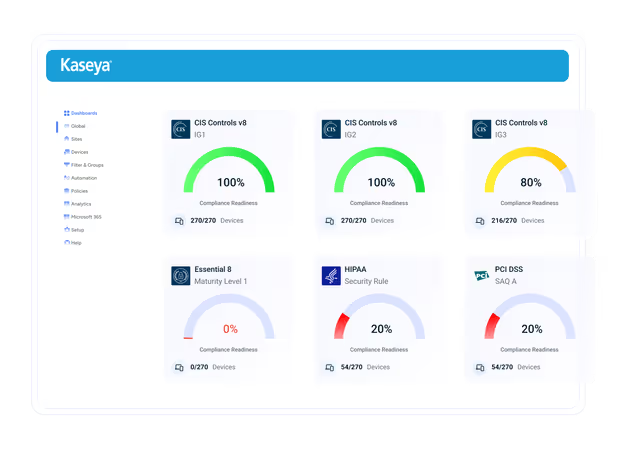
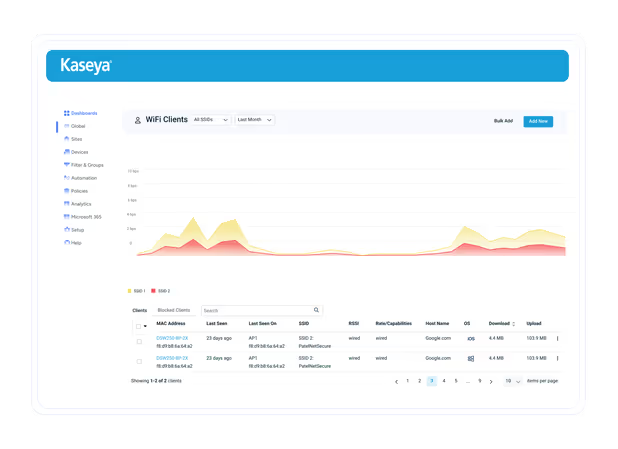
Build faster, integrated and affordable networks
Deliver reliable connectivity and reduce downtime with network visibility and control that helps your team stay proactive.
- Detect and resolve issues before they affect users and business operations.
- Optimize performance for critical applications and distributed environments.
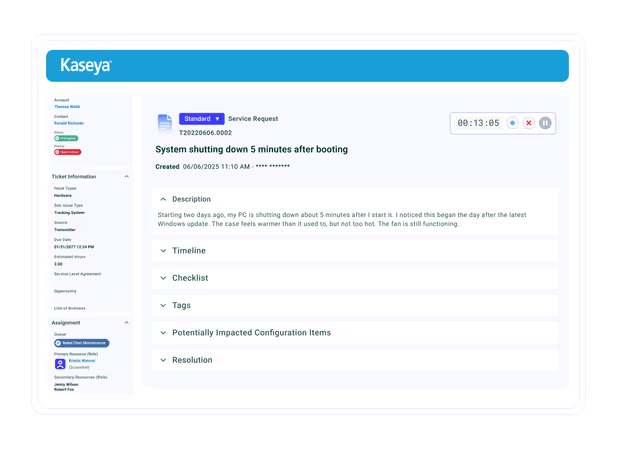
Automate IT operations for peak performance
Automate workflows, streamline service delivery and simplify day-to-day IT operations leveraging AI intelligence to support the business more efficiently.
- Simplify ticketing, documentation and core IT workflows while reducing manual work.
- Give IT leaders the visibility to plan better, prove value and scale operations without increasing headcount.
The Kaseya Difference
IT & security solutions that drive operational efficiency
Our platform addresses the needs and challenges of do-it-all IT professionals.
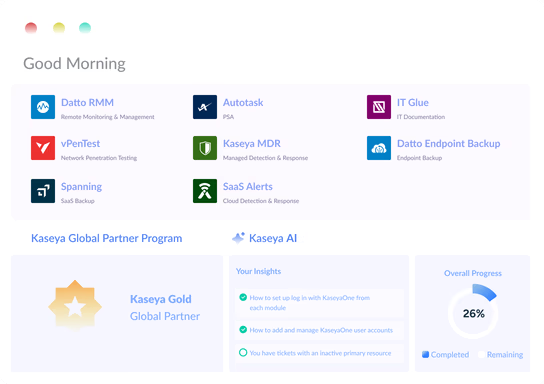
Single Platform
One solution for all your IT needs
We've combined management, security and automation into one powerful platform. No more time wasted switching between tools or stressing over security gaps.
“The integration between the solutions is a time-saver. It's really been easy.” Robert Rozanski - IT manager at Hope Church

Automated and AI-Driven
Cross-platform intelligence that turns data into actionable insights
Powered by 3+ exabytes of anonymized, aggregate data and 17M+ endpoints, Kaseya Intelligence delivers faster threat response, quicker resolutions, and greater efficiency.
"Everything is seamlessly integrated, saving me 25 minutes every morning. Instead of juggling 14 different tools, I can access everything in one place." Darren Duncan - vCIO, United Systems and Software

Cost Effective
Priced to improve your bottom line
Kaseya 365 helps you cut costs without cutting corners, removing the need for multiple, expensive tools.
"Partnering with Kaseya has been one of the smartest decisions I’ve ever made." Javier Dugarte - Founder, GoCloud
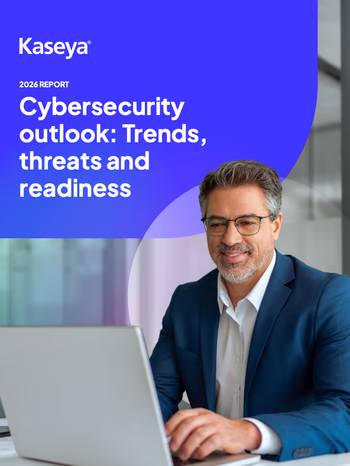
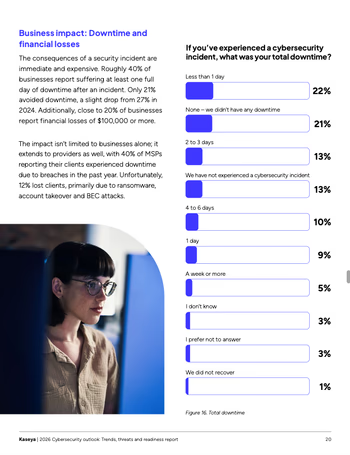
2026 Kaseya Cybersecurity Outlook: Trends, threats & readiness
Find out what SMBs and MSPs are saying about cybersecurity challenges, shifting budgets and rising expectations. Get clear on what you need to guide your clients with confidence.
Powerful solutions built for MSPs and IT teams
Kaseya gives MSPs and IT teams the tools to manage, secure and automate IT. Work smarter, save money and grow your business with ease.

We are ahead of the curve thanks to Kaseya's support. We are the first to offer new IT products and services to SMBs and it’s very exciting to be riding shotgun with such a strong vendor on the IT evolution road.

Being a church, we have a budget. Kaseya is working hand-in-hand with us to get us the best value for money and ensure accountability. I see a bright future.
Latest Resources
Curious to explore more?

Microsoft security challenges: How to protect your business, data and identity
Discover the biggest Microsoft security challenges and learn practical strategies to protect your users, data, identities and business from evolving threats.

Secure your Microsoft environment
Every identity, app and privilege in your Microsoft environment expands your attack surface. Use this checklist to strengthen visibility, detection and response to reduce your cyber risk.

Turning saved costs into growth: How Real Solutions tripled their margins
See how MSPs and IT teams use Kaseya to cut costs, boost efficiency and scale operations. Read real-world case studies from organizations of every size.