Apple MDM (Mobile Device Management)
Enroll, configure, secure, monitor and manage Apple devices directly from Datto RMM. Apple MDM supports Mac, iPhone and iPad devices, with enrollment options including manual enrollment and Automated Device Enrollment. Administrators can manage devices through the standard Datto RMM device model, apply Apple MDM policies, review activity, and run supported commands such as lock, restart, Lost Mode and erase.
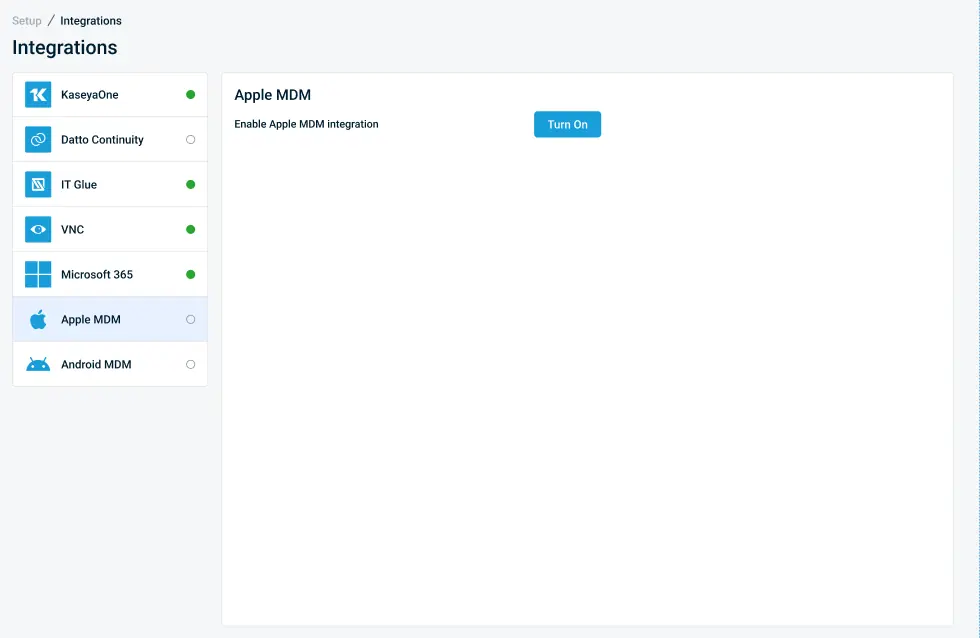
Managed application deployment is also supported through Apps and Books integration with Apple Business Manager or Apple School Manager. Apple MDM is currently available through Restricted Access. Macs continue to use a standard Datto RMM Endpoint License, while iOS and iPadOS devices require a Mobile Device Management License.
Release status: Restricted Access.
One Complete Platform for IT & Security Management
Kaseya 365 is the all-in-one solution for managing, securing, and automating IT. With seamless integrations across critical IT functions, it simplifies operations, strengthens security, and boosts efficiency.

MCP vs. API: What’s the difference and why it matters
Explore the differences between MCP and APIs, how MCP builds on APIs like the Datto RMM API, and when IT teams and MSPs should use each approach or both.
Read now
What is an MCP server? A guide for MSPs
An MCP server connects the AI tools you already use to your RMM, PSA and documentation platforms. Learn how MCP works, what MSPs gain and how to secure it.
Read now