Datto SaaS Protection for Microsoft 365
Microsoft 365 backup to protect your collaborations
Collaborating in Microsoft 365 is great for business but makes your data vulnerable. Secure your Exchange Online, OneDrive for Business, SharePoint Online and Microsoft Teams data with Datto SaaS Protection (formerly Backupify). Simplify backup operations and quickly restore any lost data to keep business moving.



Why Datto SaaS Protection for Microsoft 365?
Back up and recover Microsoft 365 data with confidence
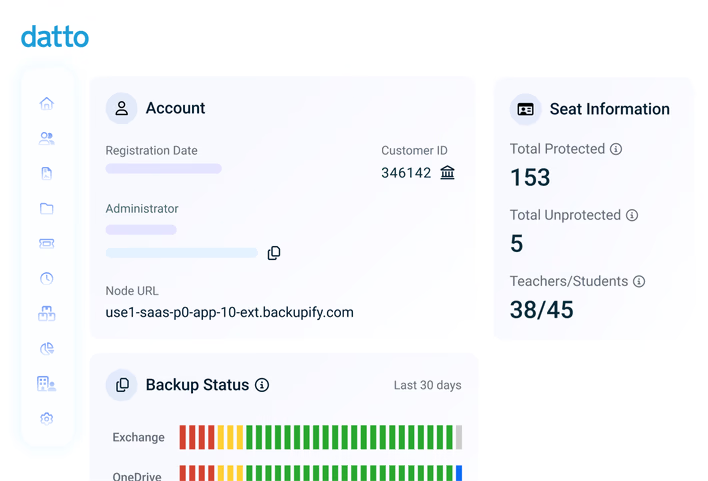
Safeguard your SaaS data with certainty using Datto SaaS Protection for Microsoft 365. Strategic backup automation, flexible recovery options and layered security controls help you eliminate the strain of labor-intensive backups, manage compliance and stay recovery-ready.
Streamline daily backup
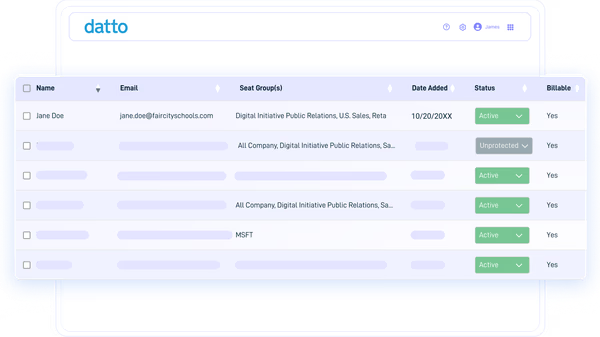
Automate backups to capture and compile ongoing snapshots with zero admin intervention. Recurring, non-intrusive backups are taken daily, so users can work uninterrupted and IT teams can focus on more important projects.
"It's easy to deploy and we can't say that about other solutions. We can have new clients up and running fast which has a big impact and is a quick win for our business."Mark Tschetter - Director of IT Services, Kelley Connect
Restore data in minutes
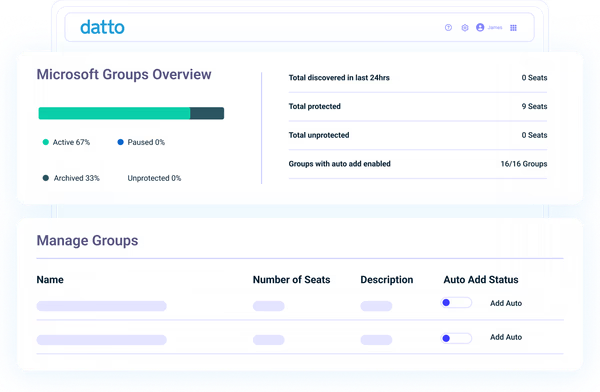
Locate and recover anything you need, at any time, from single files to entire tenants. Use search parameters to quickly filter backups and pinpoint data of interest, using flexible recovery options to restore it without impacting new data.
"I like the ability to tell clients, 'No matter what happens, we can get you back online.' Even if a car crashes into your building, an airplane lands on your office, there's a flood or somebody steals your server, we've got you covered."Keith Burton - CEO, DataSHUR Corporation
Maintain strict compliance
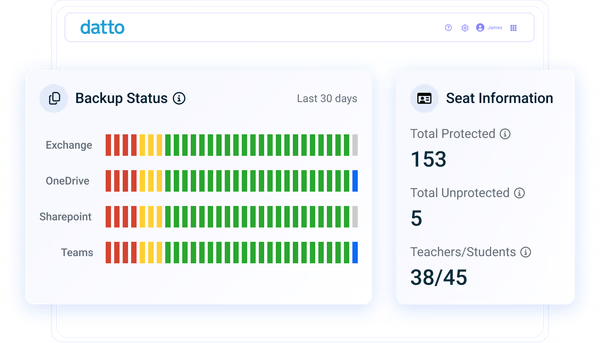
Minimize risk with a Microsoft 365 backup solution that holds extensive compliance certifications, including SOC 2 Type II, ISO 27001, GDPR, HIPAA and more. Keep data secure with complete encryption, intrusion detection and strict access controls.
"My problem with Datto SaaS Protection is it just works. It's super easy."Joshua Heard - Vice President Operations, Data Integrity Services, Inc.
Features
Microsoft 365 backup for easy recovery

Auto & on-demand backups
Automatically run daily backups to capture changes, then add additional recovery points when you need them with on-demand backups. Collect as many snapshots as you need and rest easy knowing you always have sufficient coverage.

Targeted, search-based recovery
Quickly find and retrieve specific data points, such as emails, documents or Teams messages, with granular search and restore functionality. Recover individual items or folders to the location of your choice or download them directly to your device.

Versatile restore capabilities
Choose the best recovery path for each incident. Conduct point-in-time rollbacks to a desired or "last known good" state, enable optional self-service for end users to reduce help desk tickets, or perform cross-user restores to aid in organizational or employee transitions.

Unlimited backup retention
Keep historical backups indefinitely, or for as long as required by internal policies or regulatory mandates. Never worry about losing backups to version limits or retention expirations, allowing you to scale Microsoft 365 data protection confidently as your business grows.

Extensive admin controls
Distribute licenses to align with organizational needs, fine-tune backup settings, choose where backups are stored geographically, and control who can access, browse, and recover data with role-based administration. Do it all from an intuitive, mobile-friendly admin portal.

Status monitoring & reports
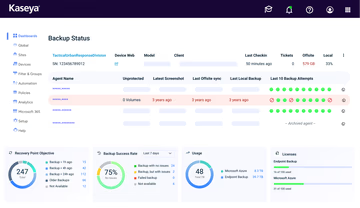
Maintain complete visibility into backup status and coverage with easy-to-follow dashboards and be alerted when a job fails or needs attention. Use an immutable activity log to see who did what across the application, monitor changes, stay compliant and troubleshoot faster.
Kaseya 365 User
Get backup for Microsoft 365 and much more with Kaseya 365 User
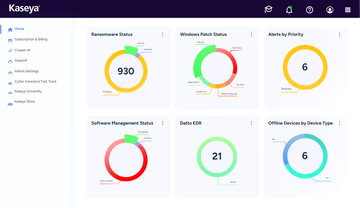
Kaseya 365 User delivers a single, integrated subscription that provides everything needed to prevent, respond to, and recover from user-targeted threats.
Customer Success
Our commitment to you
Professional services
Kaseya's Global Services helps you get the most from your tech solutions, boost performance and achieve business goals.
24/7 customer support
Kaseya’s Direct to Tech™ delivers fast, expert-level support to help your business quickly resolve issues and minimize risk.
Partner First Pledge
Kaseya's Partner First Pledge is a commitment to flexible terms, shared risk and dedicated support for your business.
Testimonials
Hear from our customers
Real stories, real success. See how Kaseya partners thrive.

Blackline IT: Protecting people, not just systems
Read case study
Built to last How Astute turned efficiency into predictable growth
Read case study
Built on grit: How NEXTGen IT turns challenges into comebacks
Read case studyFAQ
Frequently asked questions about Microsoft 365 backup
What is Microsoft 365 backup?
Microsoft 365 backup is the process of creating and storing separate, recoverable copies of tenant data that can be restored on demand. If production items are compromised or corrupted for any reason, these backups help you recover what you need to minimize downtime and stay productive.
Should you back up Microsoft 365?
Yes, it is important to back up Microsoft 365. Microsoft Azure operates on a shared responsibility model in which Microsoft secures the underlying services, while you remain responsible for protecting your content and access.
- Data Classification, protection, encryption and compliance
- Endpoints: Client devices and endpoints that access your cloud services, including mobile devices and PCs
- Accounts: User accounts, including creating, managing and removing user access
- Access: Implementing and managing access controls, multifactor authentication and conditional access policies
As such, Microsoft is not responsible for common data loss events, like user deletions, programmatic errors, malicious encryptions or misconfigurations. With a Microsoft 365 backup and recovery solution in place, organizations can quickly and effectively recover from these scenarios.
Does Microsoft 365 back up data?
Microsoft 365 includes resiliency, retention and limited restore features. Microsoft does internal backups to operate the service. However, these mechanisms are primarily designed for platform availability and governance, not for customer-driven, point-in-time recovery at scale.
Third-party backup solutions provide customers with more recovery points, lengthier retention options and the ability to quickly locate and restore specific items whenever needed. For these reasons, admins often deploy dedicated Microsoft 365 backup software for greater protection and flexibility.
Ready to get started?
Request a demo to see how Datto SaaS Protection keeps Microsoft 365 data secure and recoverable.