Autotask
PSA software for
frictionless support
Support more users, devices and priorities without adding headcount. Autotask is Kaseya's intelligent professional services automation (PSA) tool that connects service delivery, workforce planning and operational insight in one platform. It brings structure, automation and visibility to your IT operations every day.



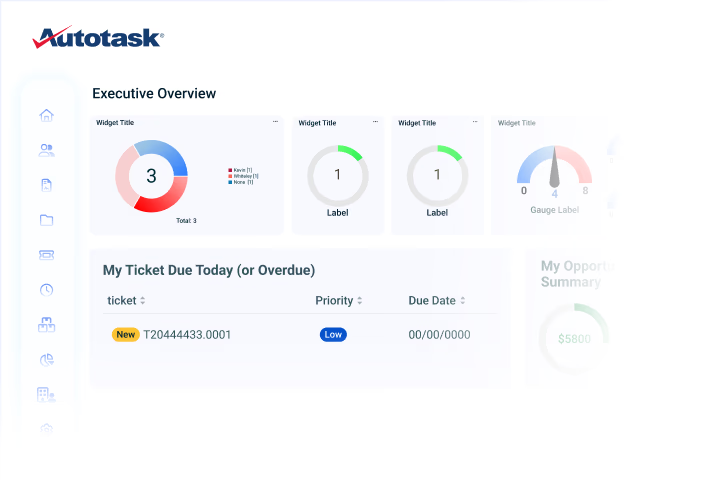
Why Autotask?
Reduce the complexity of IT service management
Autotask helps IT organizations balance rising service demand without stretching resources thin. It streamlines operations, cuts administrative effort and sharpens decision-making, keeping service consistent, resources leaner and support ready to scale.
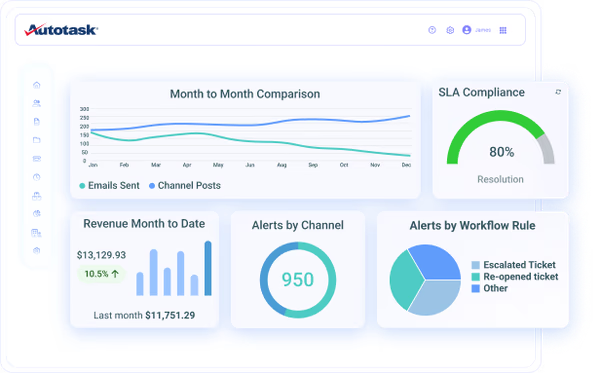
Deliver fast, consistent IT
support
Spend less time on admin, more time on resolution. Autotask brings work, information and automation together in one platform, reducing administrative effort and helping your team close tickets faster.
"Digital Specialist for Ticket Triage has been a game changer for our service desk. We're seeing around 98% accuracy in categorization."Kim Drumm - Vitis Technologies
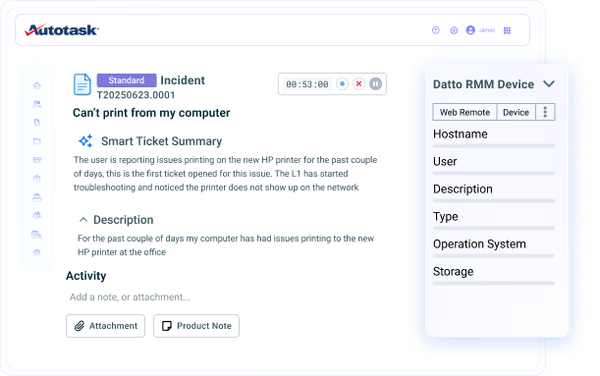
Standardize service delivery at scale
Keep service quality consistent as your organization grows. Configurable workflows, templates and process controls create repeatable service delivery, with automation that keeps every handoff on a consistent path.
"Our escalations are workflow-driven in Autotask. A tech changes the status and the ticket routes automatically, no manual shuffling."Koby Dudley - Director of Managed Services, BECA
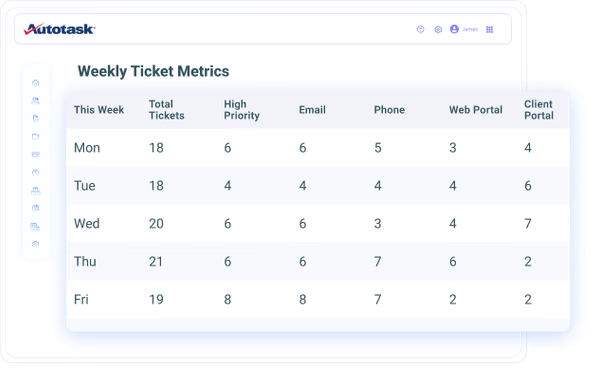
See workload and performance clearly
Understand where time goes and how service teams perform. Autotask's reporting and business intelligence help you balance resources, remove bottlenecks and demonstrate IT's impact on the business.
"Dashboards are where we get the most out of Autotask from a management standpoint. We can instantly see how our teams perform and where we can improve. It's the visibility that drives everything."Jason LaPorte - Power Consulting Group
The industry agrees.
Customers consistently recognize Autotask for being incredibly easy to manage and maintain while delivering exceptional value.
Rated #1 on G2
#1 Professional Services Automation Software
"I like Autotask's ability to link things together with other Datto and Kaseya products, which saves time and money. These integrations eliminate the need to waste time hunting for information that we have already asked clients for or that is already available in another product or tool. I like having a PSA that allows for tracking of projects, tickets, CRM info, and any other information that is necessary."Justin C.
"I find managing user requests and handling the ticket queue straightforward with Autotask, and its setup was very easy. Overall, it has more features than the previous product I used." Tamer E.
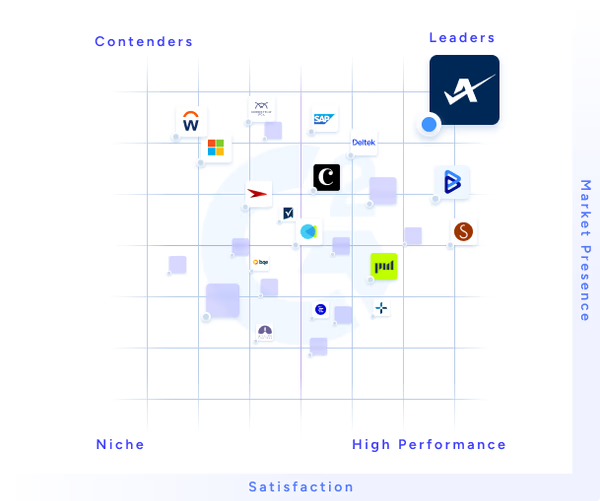
4.2/5 based on 626+ reviews
Features
PSA software that keeps work moving

Unified service workspace
Manage tickets, time, projects and service activity from a single workspace. Less context switching means work keeps moving and technicians stay focused on resolution.

AI-powered service delivery
Let AI handle ticket administration, from prioritization and assignment to summarization and communications. Technicians spend less time managing tickets and more time resolving them.

One streamlined workflow
Connect service tickets with endpoint data, documentation, passwords and remote access in a single workflow. Complete context at the point of work accelerates every resolution.

Configurable service management
Eliminate noise with a fully configurable ticket layout. Display only the fields and context relevant to each role, team or industry, so every technician works efficiently.

Workforce planning and capacity management
Coordinate people, schedules and service demand from a single planning view. Optimize utilization, prevent bottlenecks and adapt quickly as business needs change.

Operational intelligence
Monitor service delivery, technician performance, workload trends and operational health through real-time dashboards. Faster, better-informed decisions start with clear operational insight.
Kaseya 365 Ops
Get an intelligent PSA solution and much more with Kaseya 365 Ops
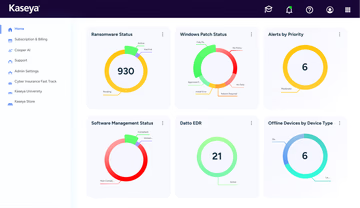
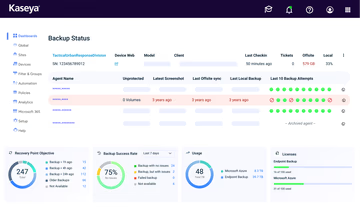
Kaseya 365 Ops, together with Autotask, delivers a single, integrated subscription that provides everything needed to streamline, automate and optimize IT operations.
Customer Success
Our commitment to you
Professional services
Kaseya's Global Services helps you get the most from your tech solutions, boost performance and achieve business goals.
24/7 customer support
Kaseya’s Direct to Tech™ delivers fast, expert-level support to help your business quickly resolve issues and minimize risk.
Partner First Pledge
Kaseya's Partner First Pledge is a commitment to flexible terms, shared risk and dedicated support for your business.
Testimonials
Hear from our customers
Real stories, real success. See how Kaseya partners thrive.

Blackline IT: Protecting people, not just systems
Read case study
Built to last How Astute turned efficiency into predictable growth
Read case study
Built on grit: How NEXTGen IT turns challenges into comebacks
Read case studyFAQ
Frequently asked questions about PSA software
What is PSA software?
PSA software is a comprehensive system that automates the operational tasks and processes of professional services organizations. It enables these businesses to manage service desks, projects, resources, financials, and customer engagements more efficiently, with the goal of improving service delivery, optimizing utilization, and maximizing profitability.
What is the difference between ITSM and PSA software?
IT service management (ITSM) focuses on how IT teams deliver and support services across an organization. Professional services automation (PSA) adds the business operations of service delivery, such as contracts, time tracking and billing.
Autotask supports both models. Internal IT teams use it to structure service delivery and planning, while service providers use its PSA capabilities to run their business end to end.
What does PSA software do?
PSA software offers a suite of tools that support the end-to-end management of professional service operations. Key functions include project management, time and expense tracking, resource scheduling, budget management, invoicing and billing, contract management, and reporting and analytics. It provides a centralized platform to manage and monitor all aspects of service delivery.
How does PSA software work?
PSA software functions as a centralized platform that connects teams, tools and tasks through a unified workflow. It gathers inputs from various operational areas, such as support tickets, project updates and time logs, and organizes them into structured, trackable processes. This standardization allows teams to stay aligned and access real-time data for better decision-making.
Behind the scenes, automation plays a key role. PSA tools can trigger actions based on preset rules, such as assigning tickets, updating billing records or alerting managers to project milestones. This reduces manual oversight and keeps operations running efficiently.
Who is PSA software for?
PSA software is used by MSPs and internal IT teams across various industries, including IT services, consulting firms, marketing and advertising agencies, legal firms, architectural and engineering companies, and any business that offers specialized services to clients. It is particularly valuable for organizations looking to optimize their service delivery process and boost profitability or productivity.
What are the benefits of using PSA software?
One of the biggest benefits of PSA software is improved operational visibility. By consolidating project tracking, resource planning and financial management into one system, PSA tools give teams a clear view of performance and profitability. Built-in automation and reporting features help streamline processes and reduce administrative workload.
For IT service providers and professional services teams, PSA software supports better service delivery, stronger margins and more predictable business outcomes. It helps organizations stay organized, efficient and focused on high-value work.
What is PSA integration?
PSA integration refers to the capability of PSA software to connect and share data with other business applications and systems, such as RMM software, accounting platforms, quoting tools, HR systems and external databases. These integrations allow for seamless data flow between systems, reducing manual data entry, improving accuracy and providing a more comprehensive view of business operations.
Does Autotask integrate with other tools?
Yes. Autotask connects service tickets with endpoint data, documentation, passwords and remote access in one streamlined workflow. Technicians get complete context without leaving the ticket.
Autotask also works alongside the broader Kaseya platform, so service management stays connected to the tools your team already uses.
Ready to get started?
Request a demo to see how Autotask PSA connects service delivery, workforce planning and operational insight in one platform.